
EXPERT INSIGHT
Automation: Out of the Comfort Zone, into Smarter Workflows
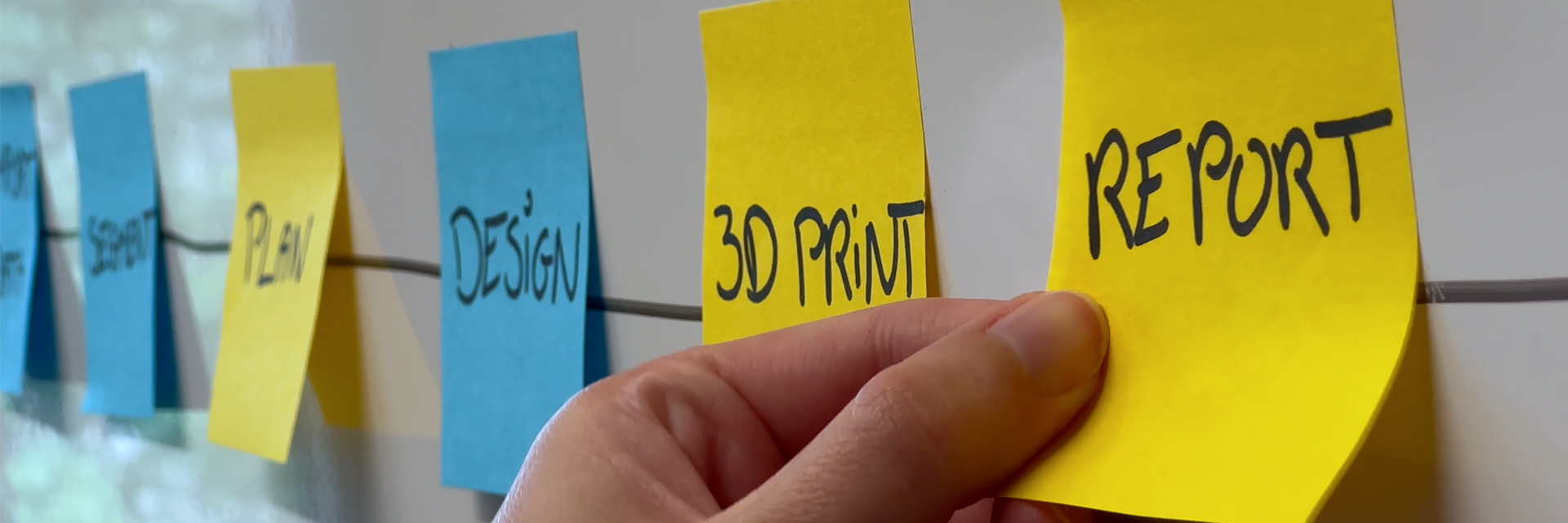
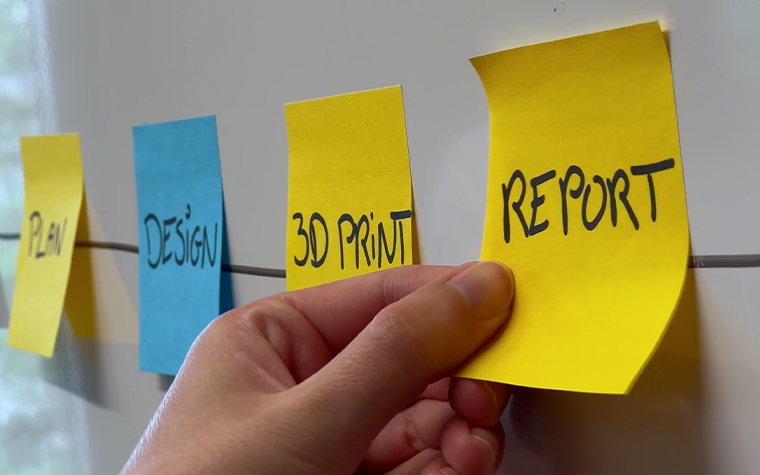
Automation often sounds like a good idea — in theory. In practice, it’s easy to postpone. There’s always another case to prepare, another deadline, another repetitive step that feels faster to do manually.
For engineers without a strong programming background, scripting, writing a small program to enable automation, can feel like something meant for specialists.
Wout is a Materialise Mimics Application Engineer with little to no prior scripting experience. He knew automation could make workflows faster and more consistent, but he wasn’t sure where to begin or what was even realistically possible. Instead of waiting until he felt “ready,” he decided to jump in and document his journey along the way, mistakes and all.
A familiar problem: time‑consuming, click‑heavy workflows
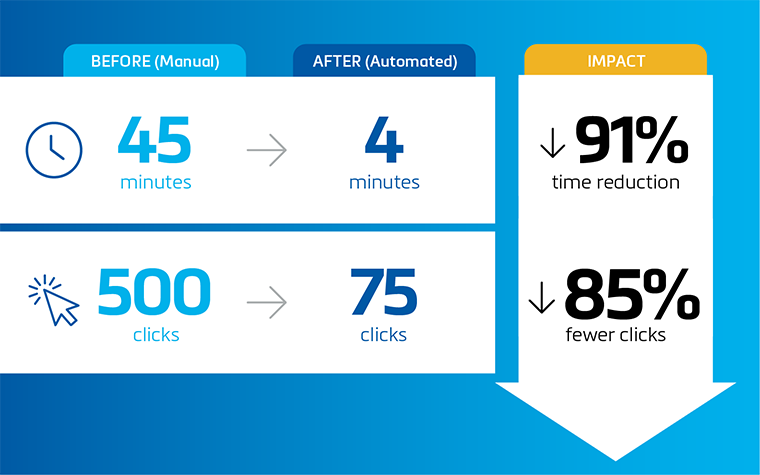
The trigger was practical. Wout regularly worked on a complex case that combined segmentation, planning, and guide design. Done manually, the workflow took around 45 minutes and required up to 500 clicks in Mimics.
It worked, but it was incredibly repetitive and difficult to reproduce consistently. Rather than automating everything, Wout wanted to know if he could start by tackling the most repetitive parts.
At that point, he didn’t know exactly what scripting could do. That uncertainty, more than a lack of skill, is often what keeps people from getting started. However, he decided today was the day he would try it out.
Getting started: basics, tools, and first success
Wout began by setting up the scripting environment and exploring example scripts. He relied on several resources: the scripting guide, community forums, online Python courses, and AI tools to help him understand unfamiliar code.
It quickly became clear that his Python basics needed refreshing. So he went back to fundamentals like loops and functions. This wasn’t about mastering everything, just learning enough to move forward.
His first script focused on segmentation. After some trial and error, it ran successfully.
It was a small step, but an important one. Seeing something work made the next steps feel achievable.
Breaking the workflow into manageable pieces
Instead of automating the entire process at once, Wout focused on one part that involved a lot of manual input: designing the surgical guides.
He first performed the steps manually to confirm the logic, then used that sequence as the structure for his script. This approach exposed challenges he hadn’t expected. Some tools behaved differently in scripting than in the user interface, and not everything was easy to find or replicate.
After an afternoon of testing and adjustments, the script finally worked. It automated the guide design from a completed plan.
It wasn’t a big piece of script — but it was a major milestone for Wout.
“Automation is not a straight line”
Encouraged by that progress, Wout attempted to combine segmentation, planning, and design into a single end‑to‑end script. This proved more difficult than expected.
Each part worked individually, but connecting them introduced new issues. Naming inconsistencies caused errors, and linking different software environments added complexity.
Debugging became essential.
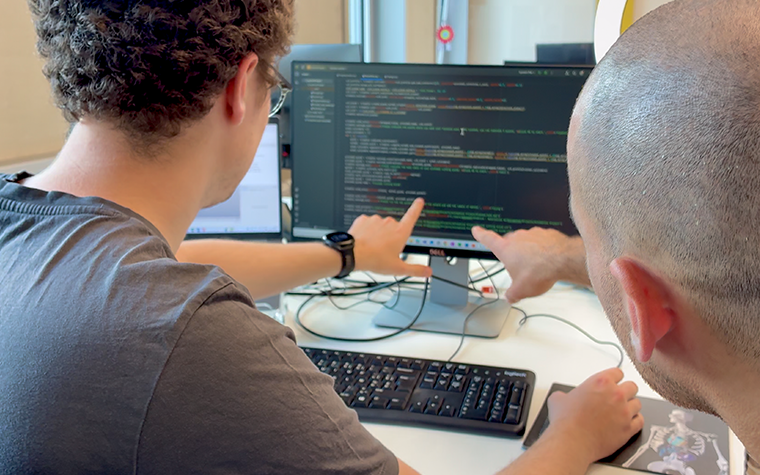
Adding simple print statements helped track where things went wrong. Breaking the script back into smaller pieces made problems easier to isolate. When needed, Wout asked his colleague Arsham, the community forum, and AI tools for help.
Automation, he learned, isn’t a straight line.
The outcome: fewer clicks, better guidance
In the final version, the script guided the user through the workflow step by step.
What once took 45 minutes was reduced to around four minutes. The number of clicks dropped from 500 to about 75. The script wasn’t perfect, but it worked, and it could be reused for future projects.
Beyond the efficiency gains, the biggest change was in mindset. Instead of reacting to repetitive tasks, Wout began proactively identifying opportunities to improve workflows.
What this journey shows
This story isn’t about becoming a developer. It’s about realizing that automation is a skill you can grow into.
Wout’s main takeaways are simple:
- Start with a clearly defined workflow
- Don’t skip the basics
- Work on a real use case
- Expect things to break
- Ask for help
As Wout realized, automation isn’t a switch you flip. It’s a process — and a gradual one. As this journey shows, even small steps can lead to meaningful improvements in efficiency, consistency, and confidence.
L-105300-01
Materialise medical device software may not be available in all markets because product availability is subject to the regulatory and/or medical practices in individual markets. In countries where no regulatory registration is obtained of Mimics and/or 3-matic Medical, a research version is available. Please contact your Materialise representative if you have questions about the availability of Materialise medical device software in your area.
Share on:


You might also like
Never miss a story like this. Get curated content delivered straight to your inbox.