
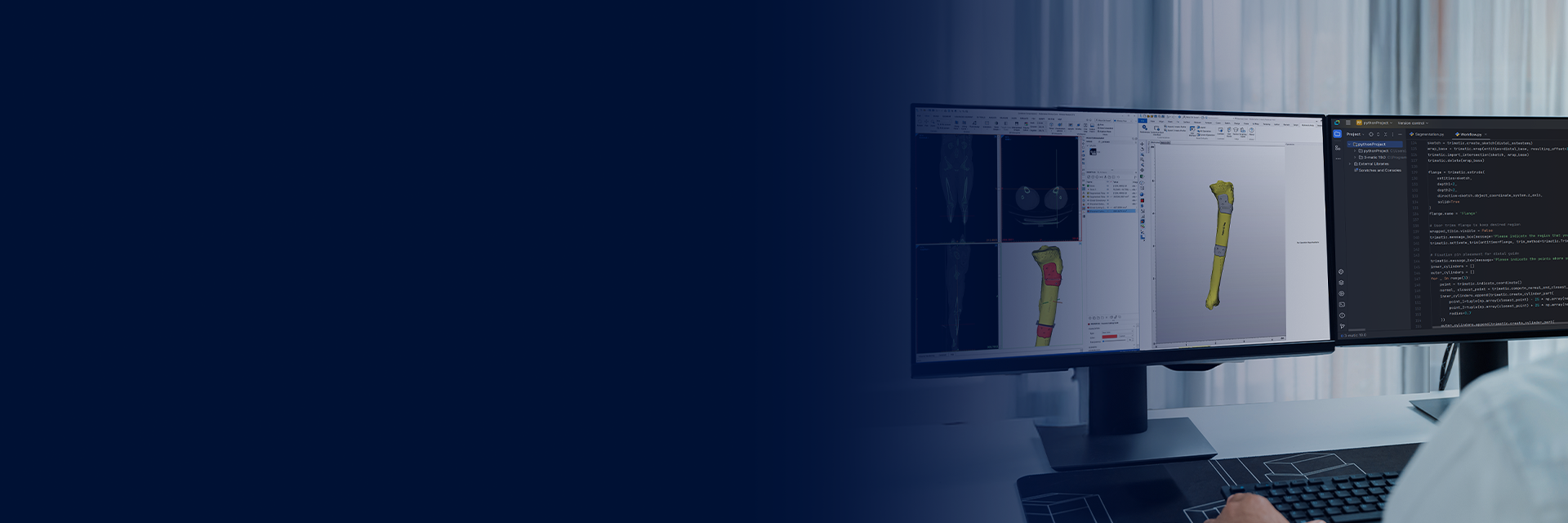
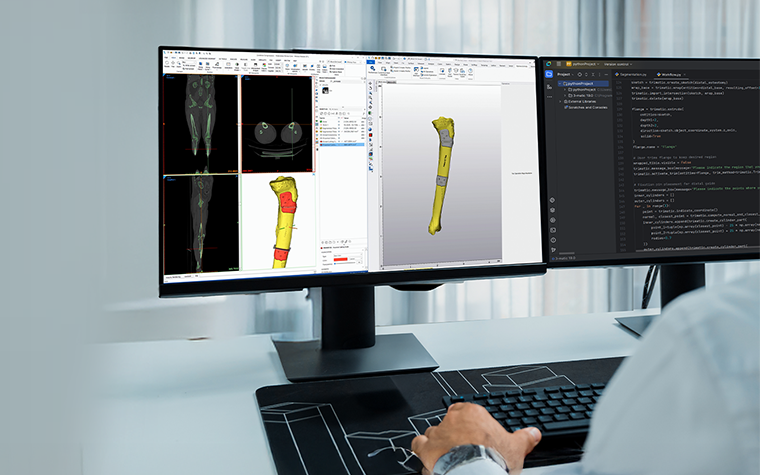

Does your workflow need automation?
If you find yourself manually repeating the same steps — thresholding, cropping, exporting — there’s a more efficient way. With scripting, you can automate routine tasks in just a few lines of code. It’s fast. It’s scalable. And it ensures consistent, reliable results every time.
This script doesn’t replace the extensive knowledge and training that our engineers possess. It simply eases the process by putting the necessary tools right at their fingertips when they need them and taking away all of the monotonous tasks surrounding each step.

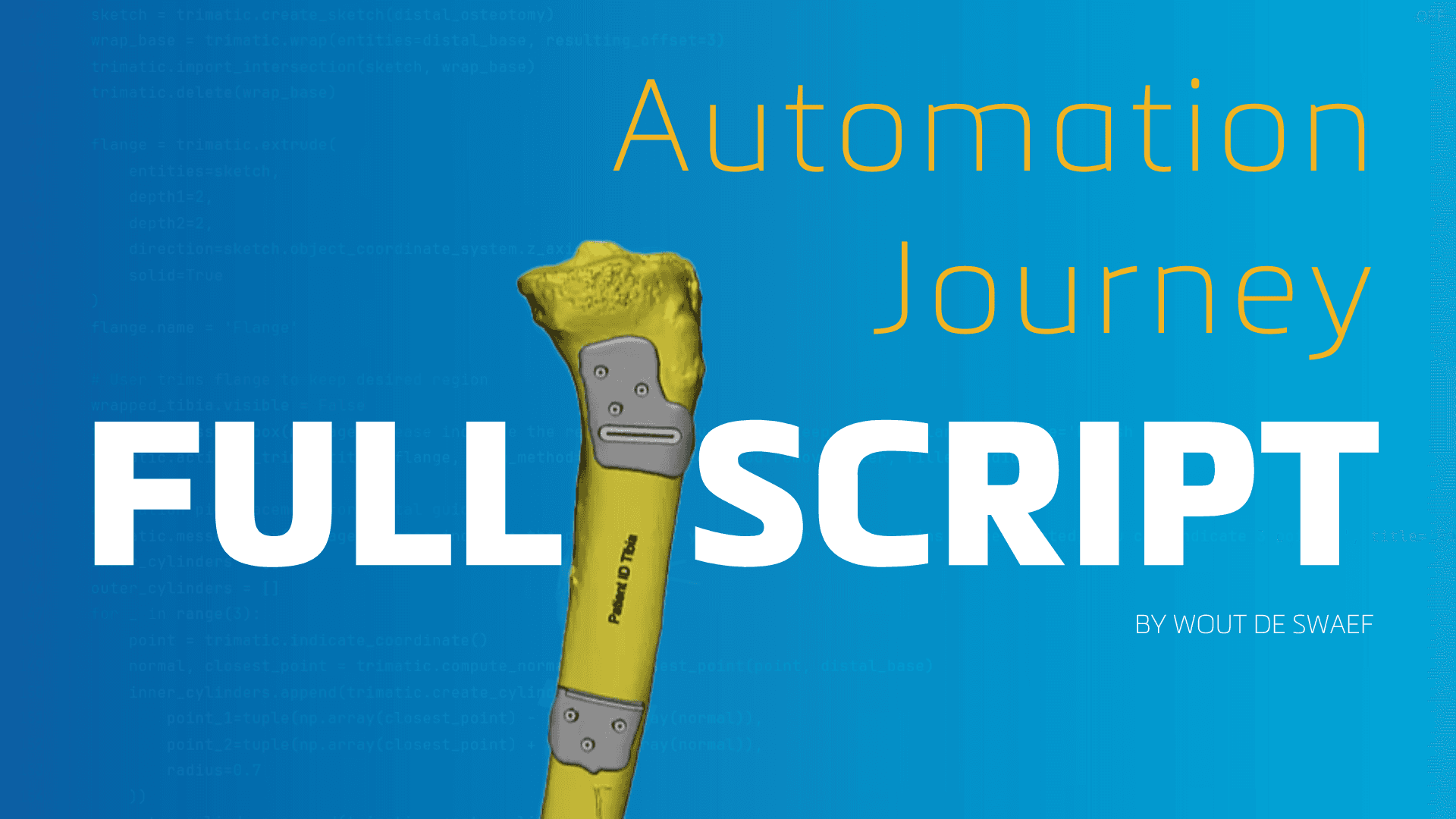
Follow a beginner’s journey
How hard is it to start? We asked our colleague Wout to find out with a test case. In this four-part video series, he takes on the challenge of learning how to script in just 90 days, documenting the ups and downs and everything in between.




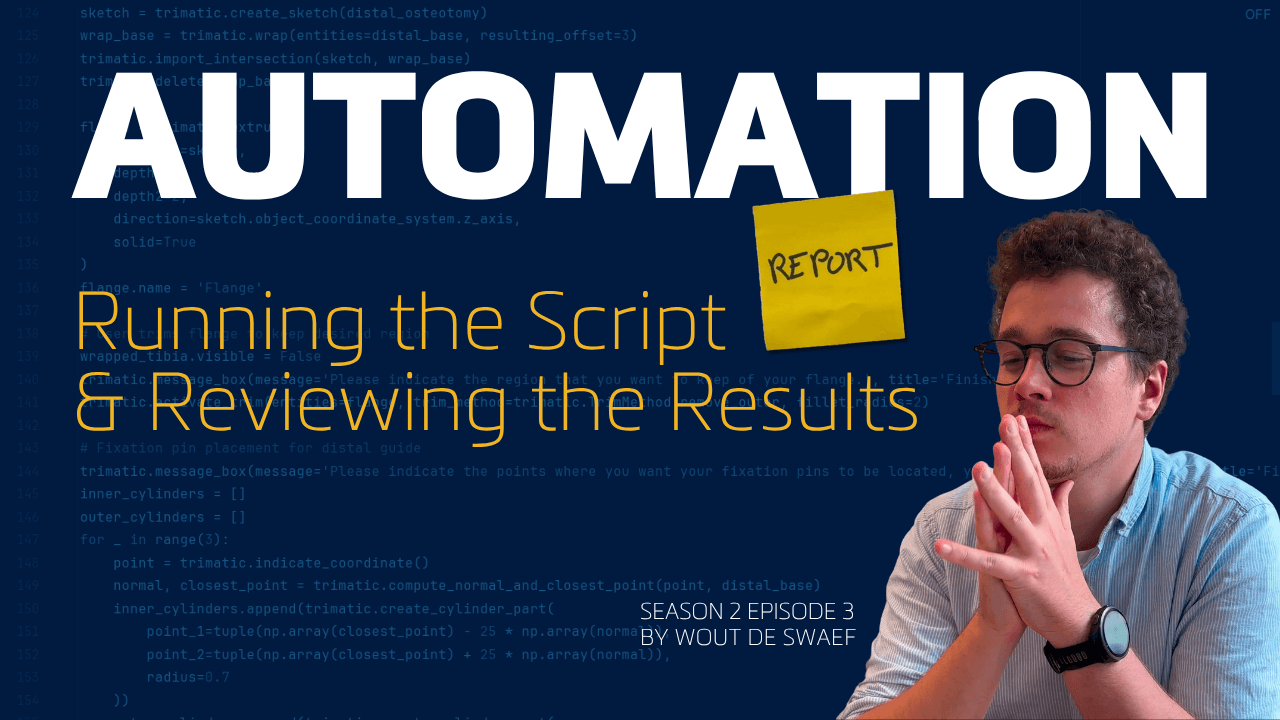
A new challenge: automate reporting
Now that Wout has the basics of scripting down, he's ready to take on a new challenge. Follow along as he identifies a reporting automation opportunity and puts his newfound scripting skills to the test again.


What can you automate?
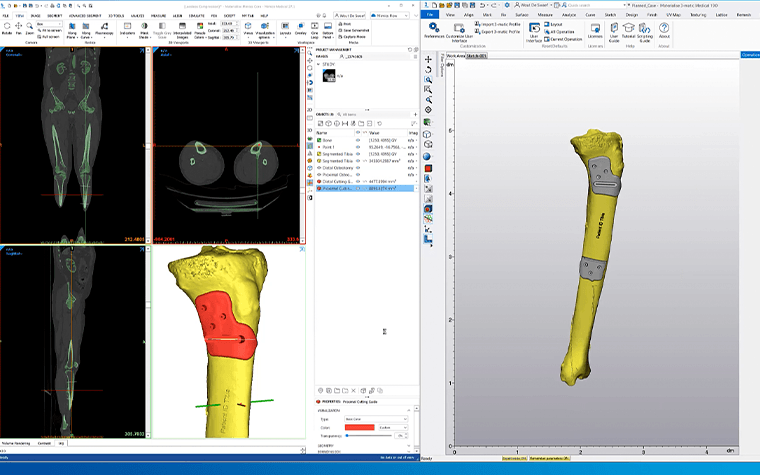
Automation isn’t just about doing things more efficiently; it’s about doing them better. Here are just a few things our users automate with scripting:
- Image preprocessing (thresholding, masking, region growing)
- 3D model preparation for printing
- Segmentation and object cleanup
- Exporting multiple files at once
- Batch processing across similar cases
- Design automation, from basic model creation to complete patient-specific device designs
L-104771-01