
Materialise CO-AM
CO-AM Professional
Reduce cost per part and improve operational efficiency
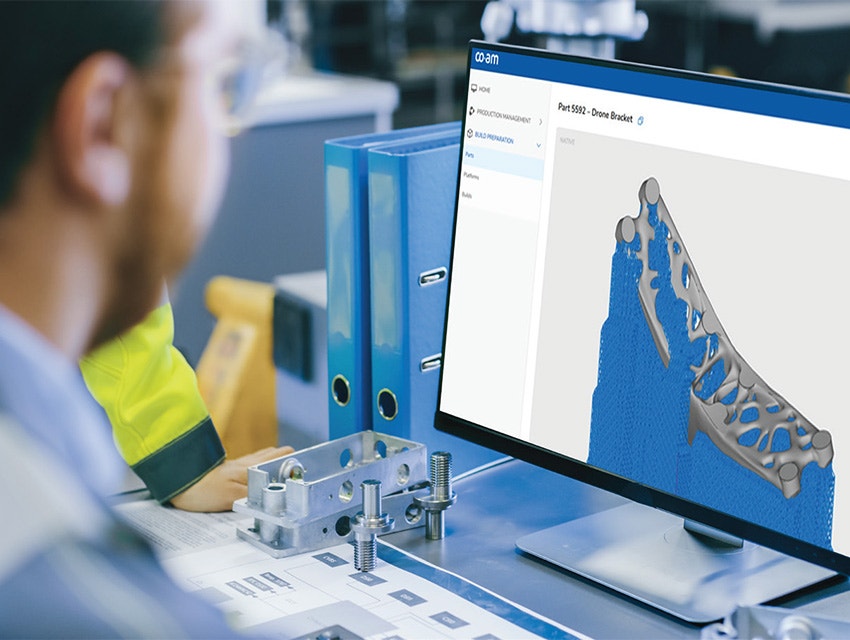
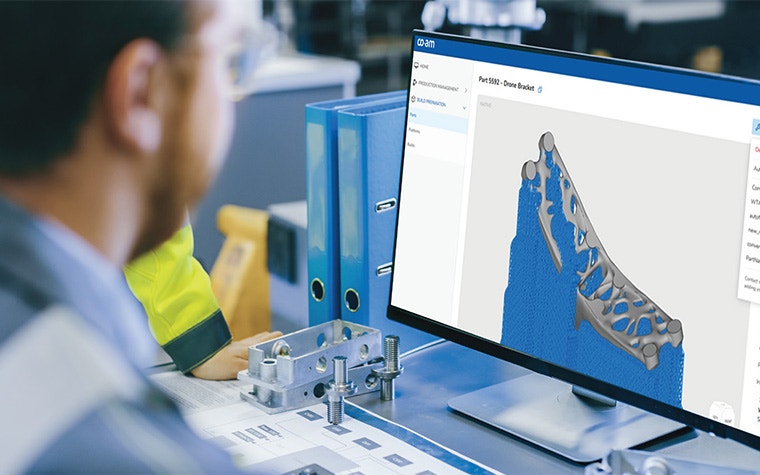
Enable smarter part‑to‑build decisions through centralized additive manufacturing (AM) data. CO-AM Professional seamlessly connects with Magics, helps automate initial build prep, aligns teams via a single source of truth, and synchronizes AM data to ensure build traceability.
Connect to a wider AM software ecosystem
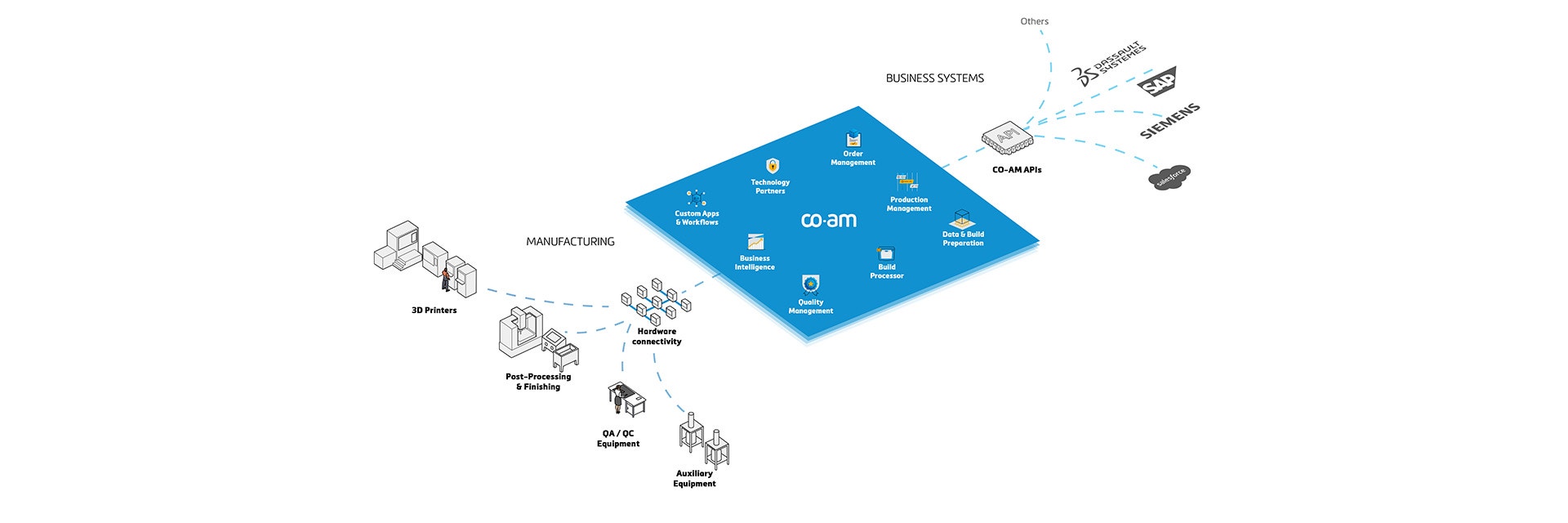
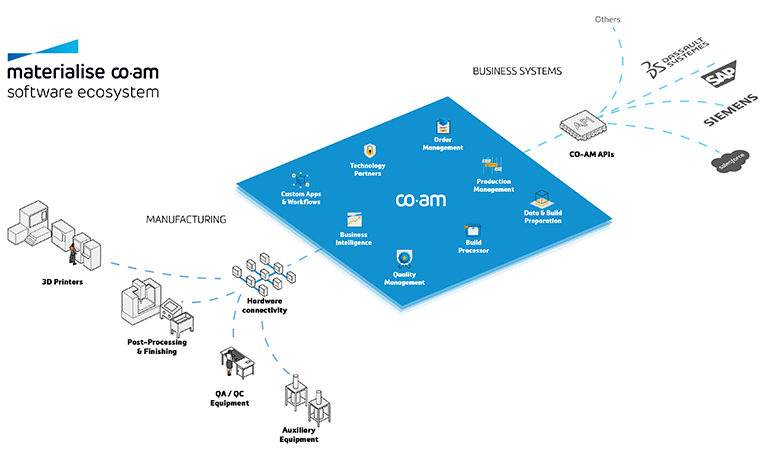
Discover our open and secure CO-AM Software Ecosystem. With CO-AM Professional and our additional offerings, you can simplify your operations, improve efficiency, and scale AM with confidence.
Why choose CO-AM Professional?
- Streamlined workflows: CO-AM Professional replaces fragmented data, folders, and tools with a single, trusted source for your AM data. It automates your initial build preparation, making the process faster, simpler, and more efficient.
- Seamless compatibility: CO-AM Professional integrates with Magics, without disrupting your existing flows. They complement each other, allowing you to leverage structure and automation in your AM operations.
Enable additive in manufacturing
Leverage AM capabilities designed for your high-mix, low-volume production
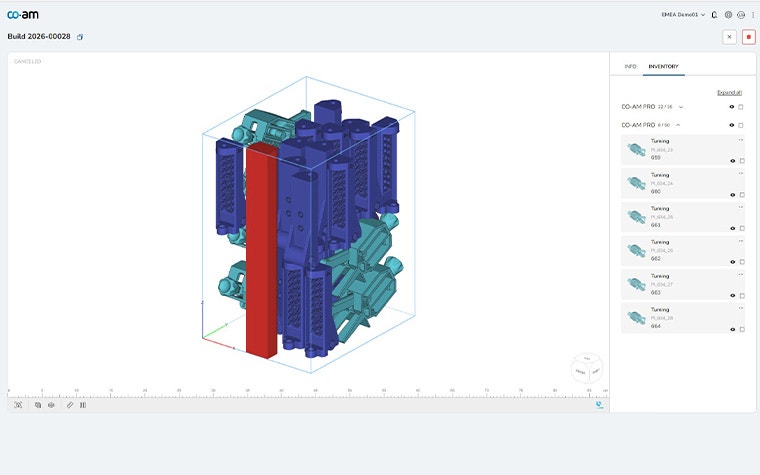
Accelerate part-to-build decisions
View parts that still need planning, parts that are already scheduled, and their current build status. Prioritize parts and optimize build assignments based on due dates, materials, AM technologies, and much more. Optimize machine utilization and improve overall equipment effectiveness.
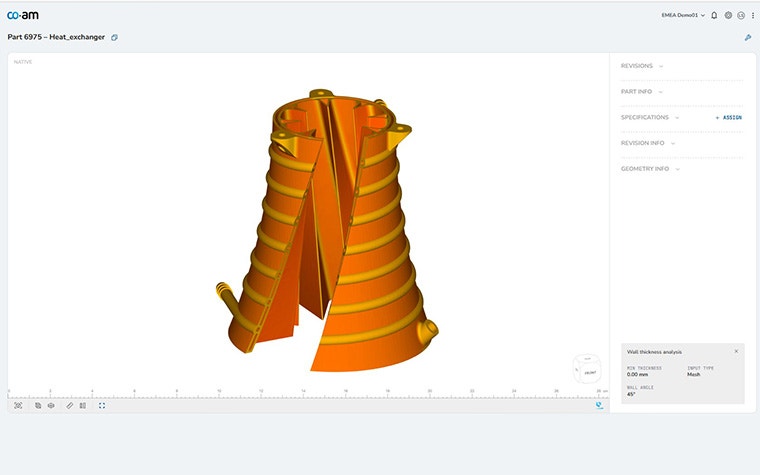
Automate initial build prep workflows
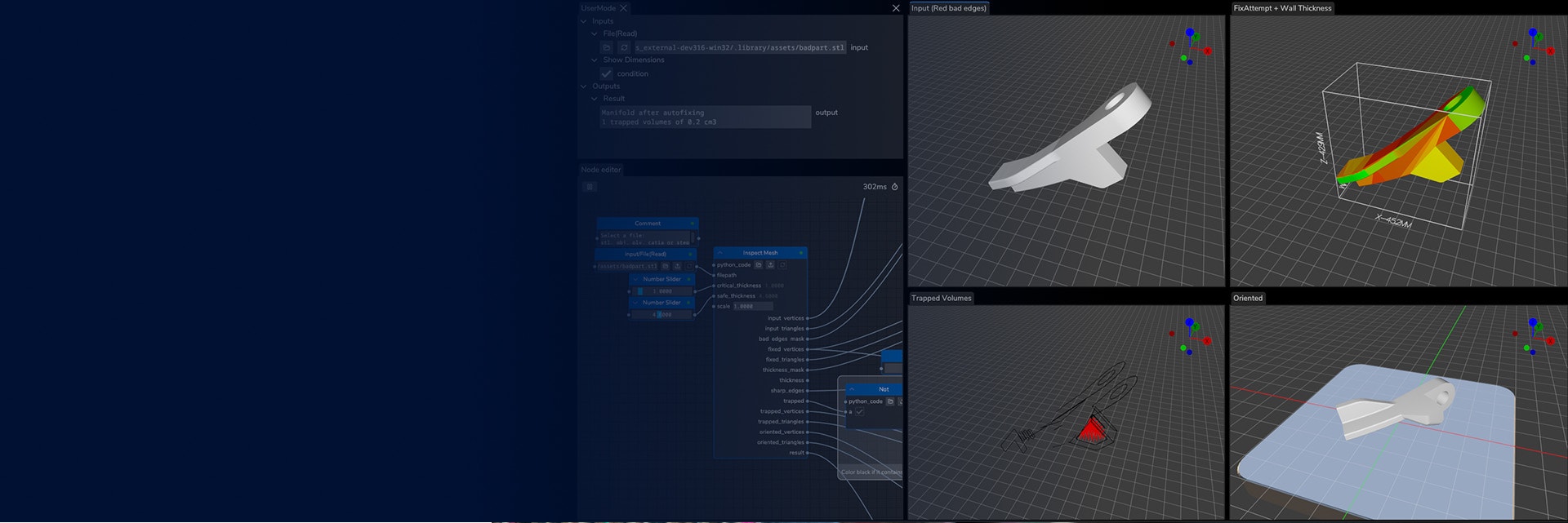
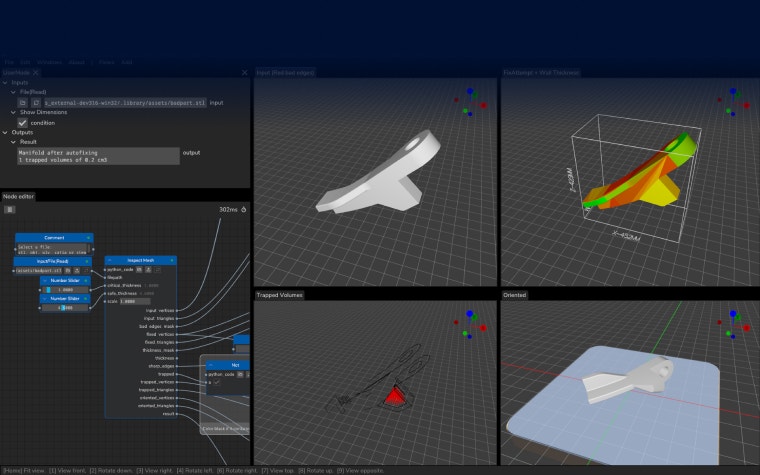
Conduct wall thickness analysis, auto-fix, and part conversion to ensure you speed up build prep workflows while reducing risks. Deliver batches and one-offs faster and reduce the cost per part.
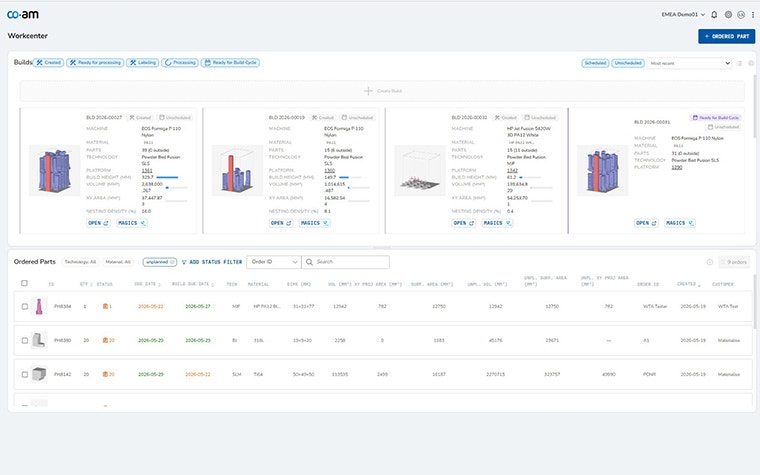
Align teams via a single source of truth
Centralize AM data with built-in control and build traceability — eliminating separate files, revisions, and work silos. Improve collaboration, visibility, and decision-making across teams.
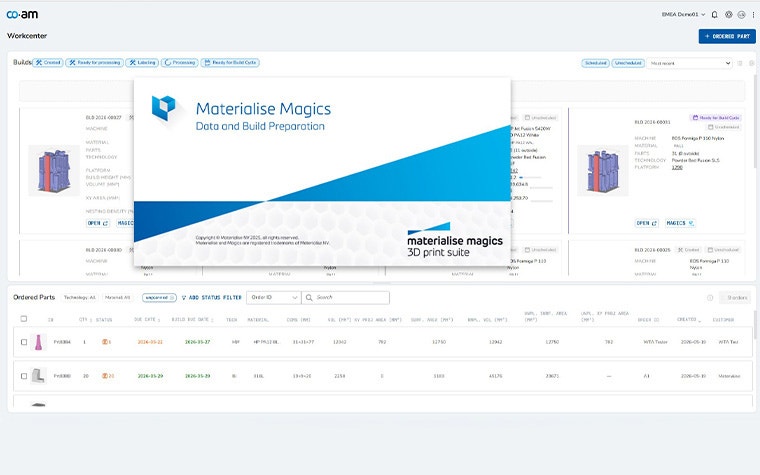
Integrate existing Magics workflows
Natively integrate with the 2026 Magics 30 release to keep AM data synchronized, accurate, and traceable. Streamline your existing production workflows. Add speed, consistency, and predictability to build preparation.
CO-AM Brix: Take automation to the next level
Interested in even more advanced automation capabilities, including nesting, part orientation, support generation, cost calculation, and more? Then CO-AM Brix is the answer. With the support of our professional services, or by doing it yourself, you can use Magics’ powerful algorithms to automate and improve repetitive, time-consuming AM processes.